


For early-stage visual planning, an AI interior design app is faster and cheaper than hiring an interior designer; for full-service execution, permits, and structural work, a professional designer is still the right call. The two approaches aren’t really competing — they solve different problems. Here’s how to tell which one you need right now, and why starting with an AI home design app like DecorAI is the smartest first move either way.
This comparison comes up constantly for homeowners and renters weighing their options: pay a professional for a full design engagement, or start with a tool you can use from your phone tonight? The honest answer depends on what stage your project is at. Below, we break down what each approach actually involves, where the real cost and time differences come from, and how to combine both for the best possible outcome.
The Traditional Interior Design Process (and Why It Takes So Long)
Hiring an interior designer usually starts with a consultation, followed by concept development, moodboards, sourcing, and multiple rounds of revisions before anything is finalized. According to the U.S. Bureau of Labor Statistics’ Occupational Outlook Handbook on interior designers, professional design work involves detailed client consultations, space planning, and coordination with contractors and suppliers — a process that reasonably takes weeks to months for a full room or home.
That process is valuable, but it front-loads a lot of time and cost before you’ve actually seen what a redesigned room might look like. For many homeowners and renters, that’s the wrong place to start.
What an AI Interior Design App Does Differently
An AI interior design app skips the moodboard stage entirely. You upload a photo of your actual room, choose a style or a goal, and get a redesigned version of that same room in seconds — not weeks. DecorAI keeps your real layout, walls, and windows intact, so what you see is grounded in your actual space rather than a generic showroom.
The trade-off is scope. An AI interior design app is built for visual decisions — style, color, mood, furniture direction — not for managing contractors, sourcing custom pieces, or signing off on construction drawings. Understanding that boundary is what makes the comparison useful instead of misleading.
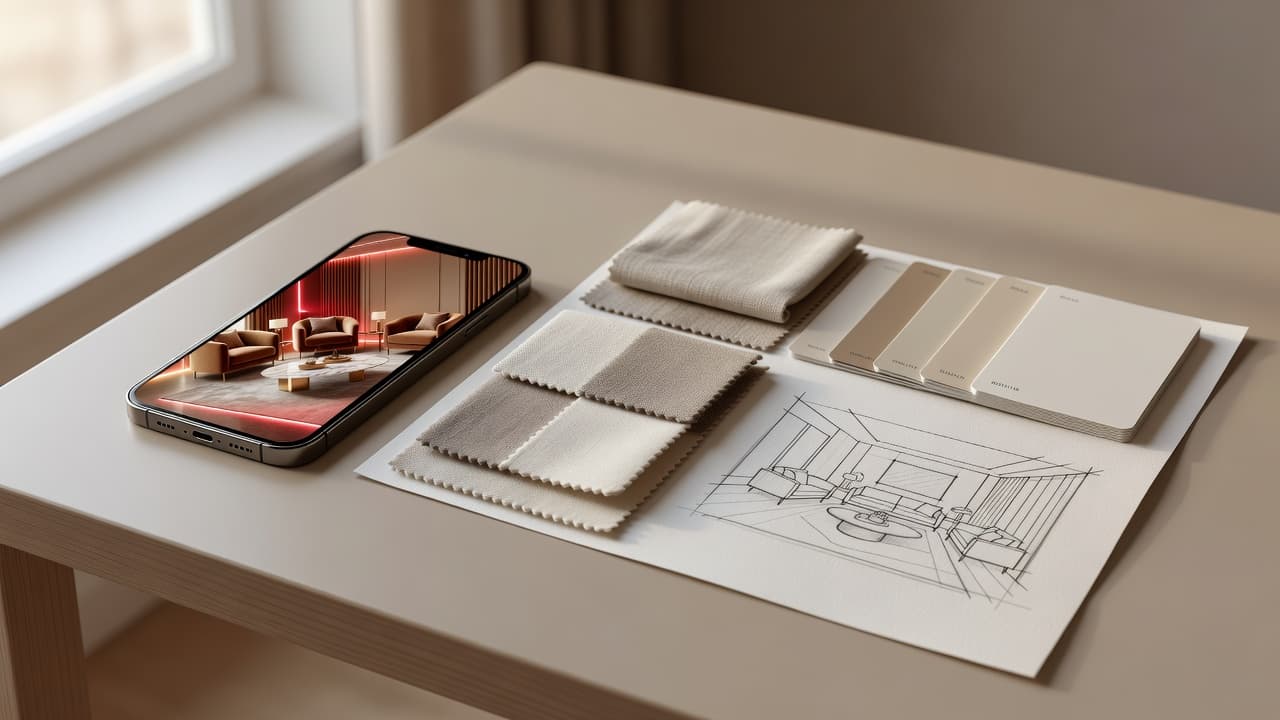
AI Interior Design vs. Hiring a Designer: Side-by-Side
| AI Interior Design App (DecorAI) | Hiring an Interior Designer | |
|---|---|---|
| Speed | Seconds per redesign | Weeks to months |
| Cost to start | Free | Hourly, flat fee, or % of project |
| Personalization | Based on your real room photo | Based on in-person consultation |
| Best for | Early inspiration, style comparison, budgeting | Full-service execution, structural decisions |
| Revisions | Unlimited style swaps in-app | Limited by contract scope |
| Handles permits / structural work | No | Yes |
What Does Hiring an Interior Designer Actually Cost?
Professional interior design pricing varies widely by region and project scope, but it typically falls into one of three models: an hourly rate for consultation and planning time, a flat fee for a defined project, or a percentage of the total furniture and construction budget. None of these models are free to start, which is exactly why so many people look for a lower-commitment way to explore ideas first. An AI interior design app fills that gap — it lets you arrive at a paid consultation already knowing what you want, instead of paying a designer’s hourly rate to help you figure that out from scratch.
When Hiring an Interior Designer Still Makes Sense
AI interior design is not a full replacement for professional expertise. According to the American Society of Interior Designers (ASID), professional designers bring code compliance knowledge, contractor relationships, and project management that matter for larger or more technical projects. You should still hire a designer — or a licensed contractor — when your project involves:
- Structural changes, like removing or moving walls
- Electrical or plumbing work
- Building permits or code compliance
- Full-home renovations with multiple contractors to manage
- Custom millwork or built-ins that require precise measurements
When an AI Interior Design App Like DecorAI Wins
Speed
DecorAI generates a redesigned room from your photo in seconds, so you can compare five different directions in the time it takes to schedule a single designer consultation.
Cost
DecorAI is free to download on iPhone and Android. There’s no consultation fee just to find out whether a style direction works for your space.
Try-before-you-buy decisions
Whether you’re choosing a sofa, a paint color, or a full interior style, DecorAI lets you preview the decision against your real room before you spend a dollar — something a single designer mockup can’t always do quickly or cheaply.
The Smartest Approach: Use Both
The best results often come from combining the two. Use an AI interior design app first to explore styles, narrow down a direction, and build a visual reference — then bring that reference to a professional designer or contractor if your project needs permits, structural work, or full execution. You’ll spend less time (and often less money) in the consultation phase because you already know what you want.
This hybrid approach is becoming more common as AI interior design tools mature. Instead of treating AI and professional design as an either-or choice, think of them as two stages of the same decision: AI handles the exploration phase, where speed and low commitment matter most, and a professional handles the execution phase, where expertise and accountability matter most.
Real-World Scenarios
Renting your first apartment
Hiring a designer rarely makes sense for a rental. DecorAI is the better fit — test styles and layouts without any commitment, structural changes, or long-term cost.
Planning a kitchen or bathroom renovation
Start with DecorAI’s room design tools to settle on a direction, then bring your favorite AI-generated concepts to a licensed contractor or designer for the technical parts of the project. Kitchens and bathrooms involve plumbing and electrical work almost by definition, so this is one of the clearest examples of using AI for direction and a professional for execution.
Staging a home before selling
Sellers often need to make a space appeal to as many buyers as possible without overspending on renovations that won’t be recouped at sale. DecorAI can quickly preview a warmer, more neutral styling direction so you know what’s worth doing before you call in a stager or contractor.
Furnishing a new home on a budget
Before buying furniture, use DecorAI to preview how different pieces and colors might look in your actual rooms — a much cheaper mistake to avoid than an unreturnable sofa.
Preparing for a designer consultation
If you already know you’ll hire a professional, spend twenty minutes in DecorAI first. Generate a few style directions on your own room, save the ones you like, and bring them to your first meeting. Many designers report that clients who arrive with clear visual references need fewer revision rounds — which usually means a shorter, less expensive engagement overall.
Frequently Asked Questions
Is an AI interior design app cheaper than hiring an interior designer?
Yes. An AI interior design app like DecorAI is free to start, while professional interior designers typically charge hourly rates, flat project fees, or a percentage of total project cost. AI is best for early visual planning; a designer is best for full-service execution.
Can AI interior design replace a professional interior designer?
AI interior design apps are excellent for early-stage inspiration, style comparison, and budgeting decisions, but they are not a substitute for a licensed professional when a project involves permits, structural changes, plumbing, or electrical work.
Should I use AI interior design before hiring a designer?
Yes, this is often the smartest approach. Using an AI home design app to explore styles and directions first can make conversations with a professional designer faster and cheaper, since you arrive with clear visual references instead of starting from scratch.
How fast is AI interior design compared to a traditional design process?
An AI interior design app can generate a redesigned room from a photo in seconds. A traditional interior design engagement typically takes weeks to months, including consultations, concept development, and revisions.
Do interior designers use AI interior design tools too?
Increasingly, yes. Many professional designers use AI interior design apps as a fast way to explore directions with a client before committing to a full concept, then execute the final design with their own tools and vendor relationships.
What is the biggest risk of skipping professional help entirely?
The biggest risk is applying AI-generated concepts to work that requires code compliance, structural knowledge, or licensed trades. AI interior design is safe for visual planning, but electrical, plumbing, and structural decisions should always involve a qualified professional.
The Bottom Line
AI interior design and hiring a professional aren’t rivals — they’re tools for different stages of the same project. Start free with DecorAI to find your direction, then bring in a professional when the project needs one. For a closer look at what makes an AI interior design app worth using in the first place, see our guide to the best AI interior design apps in 2026.